
Interval Timer: HIIT & Tabata
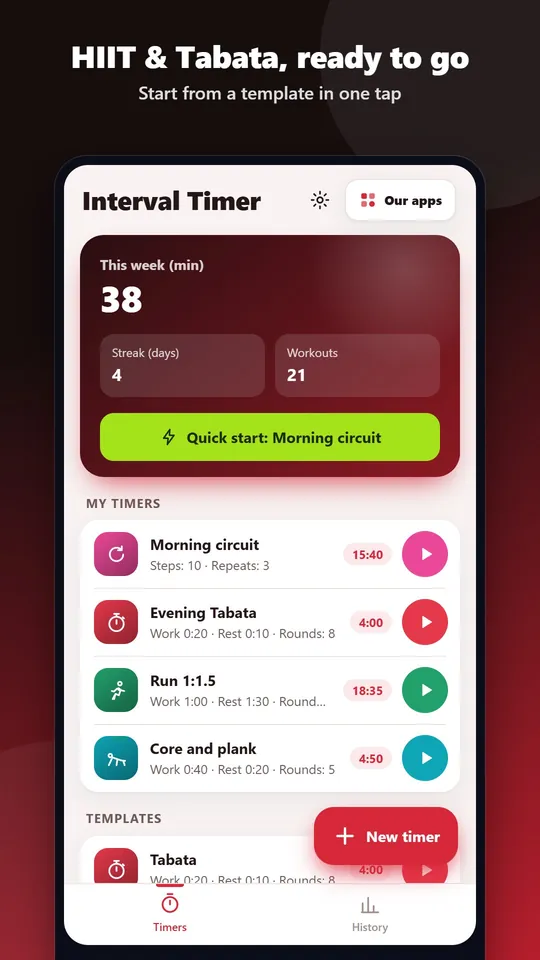
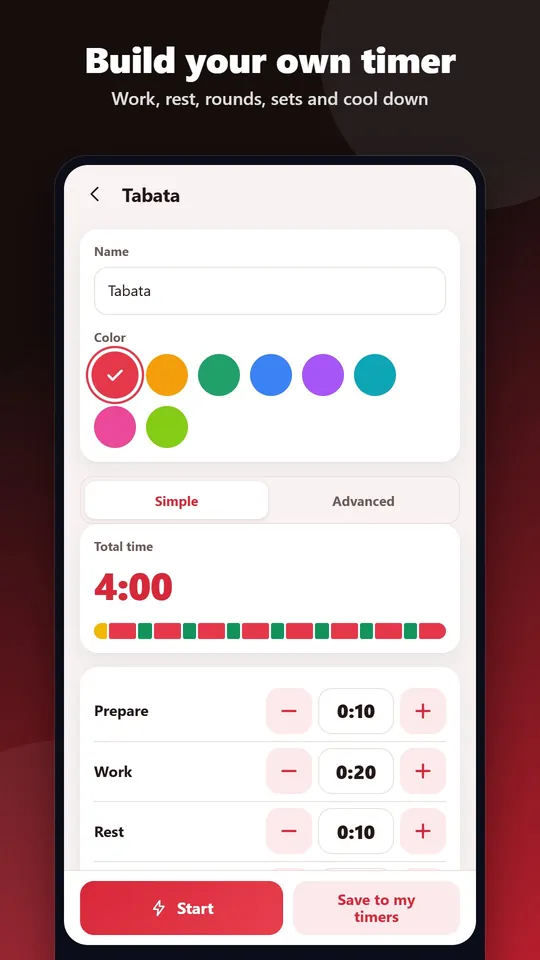
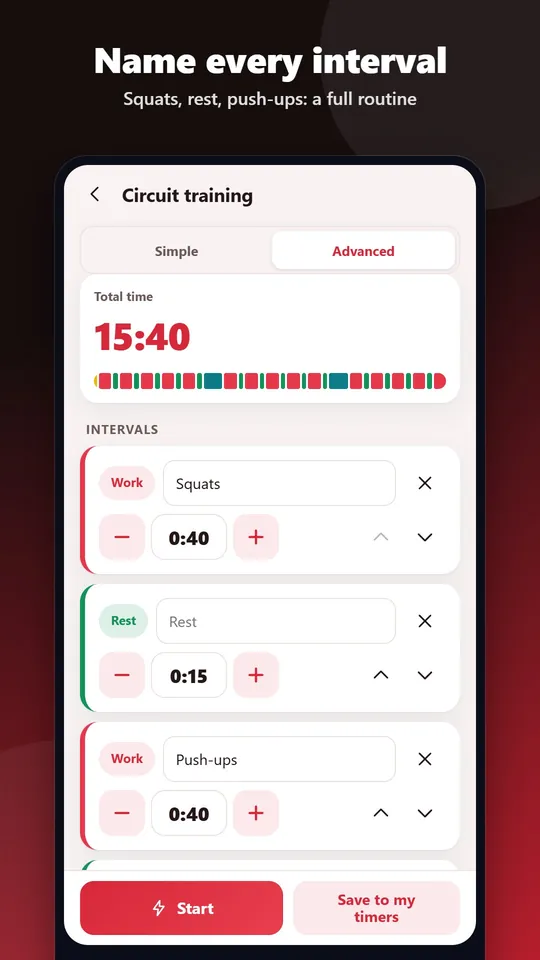
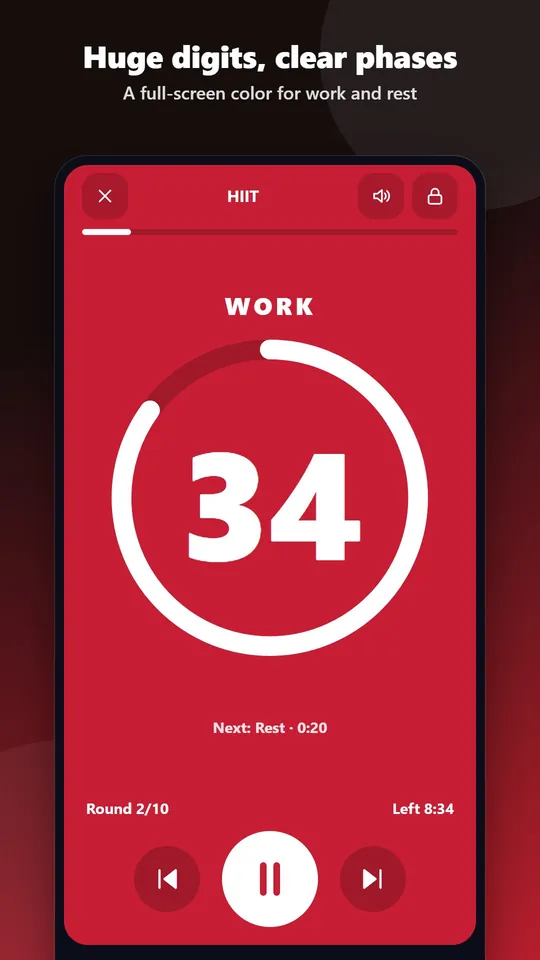
HIIT & Tabata, ready to go · Build your own timer · Name every interval · Huge digits, clear phases
READY TEMPLATES
- Tabata, HIIT, EMOM and AMRAP
- Boxing rounds, running intervals, plank, stretching and a circuit
- Change any template and save it as your own timer
BUILD YOUR OWN
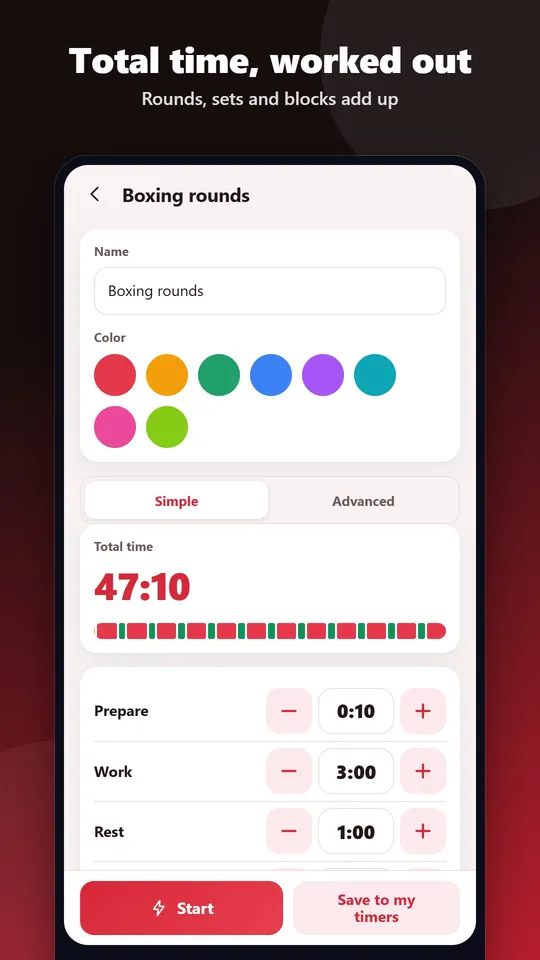
- Simple mode: prepare, work, rest, rounds, sets, rest between sets and cool down
- Advanced mode: a list of named intervals such as "Squats 40 s", "Rest 15 s", "Push-ups 40 s"
- Repeat a block as many times as you like; the total time is calculated for you
- Name your work and rest phases, pick a color for each timer
A WORKOUT SCREEN MADE FOR TRAINING
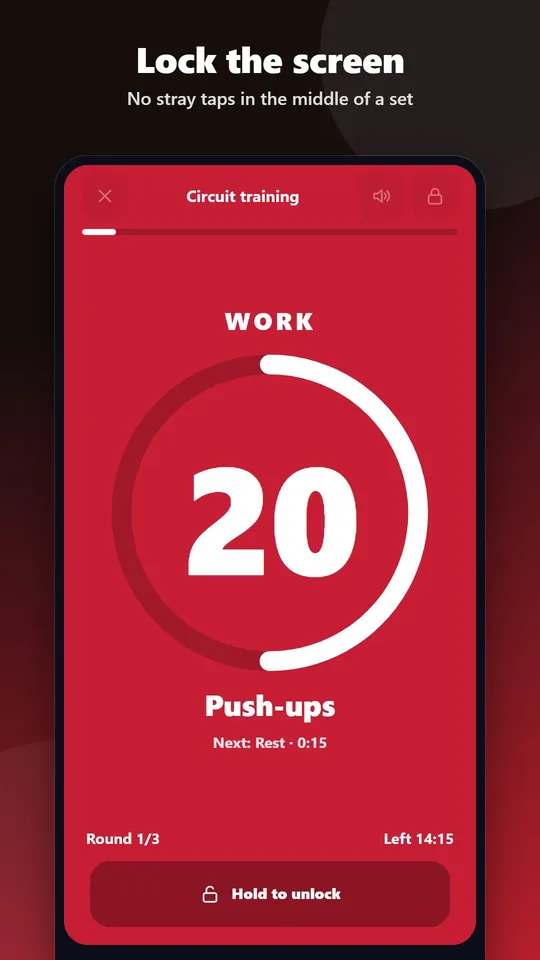
- Giant countdown, full-screen color per phase and a progress ring
- Exercise name, what comes next, round and set, total time left
- Pause, skip forward, go back
- Lock the screen against stray taps and hold to unlock
- Beeps for the last 3 seconds, a different sound for each phase and volume control
- Optional voice cues read the exercise name, halfway and the 3-2-1 count when your device has a voice for your language
- Vibration, and the screen stays on during a workout
- Keeps correct time after the app is in the background; optional phase alerts when it is
HISTORY AND PROGRESS
- Every finished or stopped workout is saved
- Streak, minutes this week, weekly bar charts and a calendar
Features
Free interval timer for HIIT, Tabata, EMOM and boxing with sounds and history.
MORE
- Light and dark themes, easy to use with one hand
- Back up and restore all your timers and history
Good to know
- Contains ads; they can be removed with a one-time purchase. An internet connection is required. Your timers and history stay on your phone, no account needed. This app is not medical advice.
Screenshots
HIIT & Tabata, ready to go · Build your own timer · Name every interval · Huge digits, clear phases · Lock the screen · Total time, worked out
Train by the second
Interval Timer: HIIT & Tabata is a simple, powerful workout timer with no limits on how many timers or sessions you use.