Build It, Check It, Send It
A guided wizard, a live preview, a resume score and a PDF with real text: everything you need for a job application in one app.
LIVE PREVIEW AND TEMPLATES
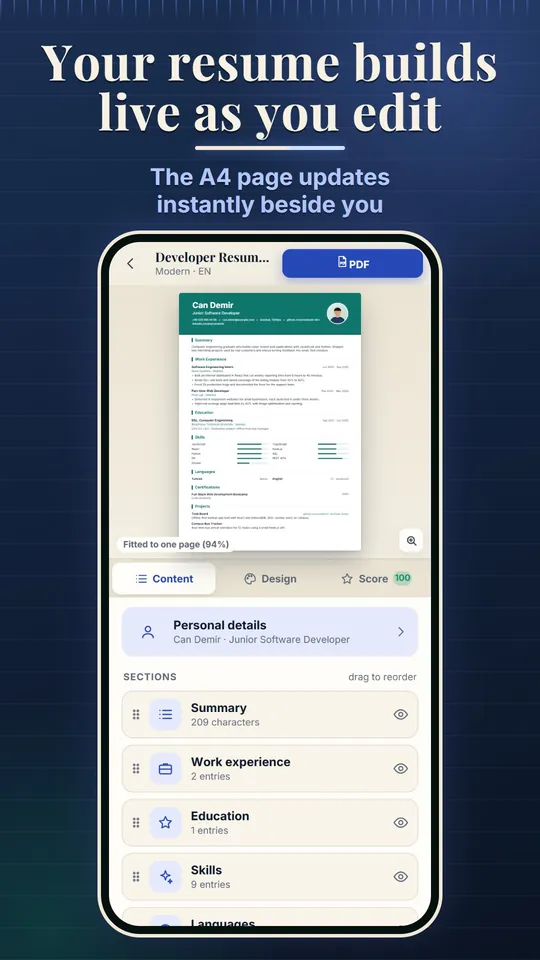
- While you edit, the A4 page updates live. Add a second page automatically or use "Fit to one page".
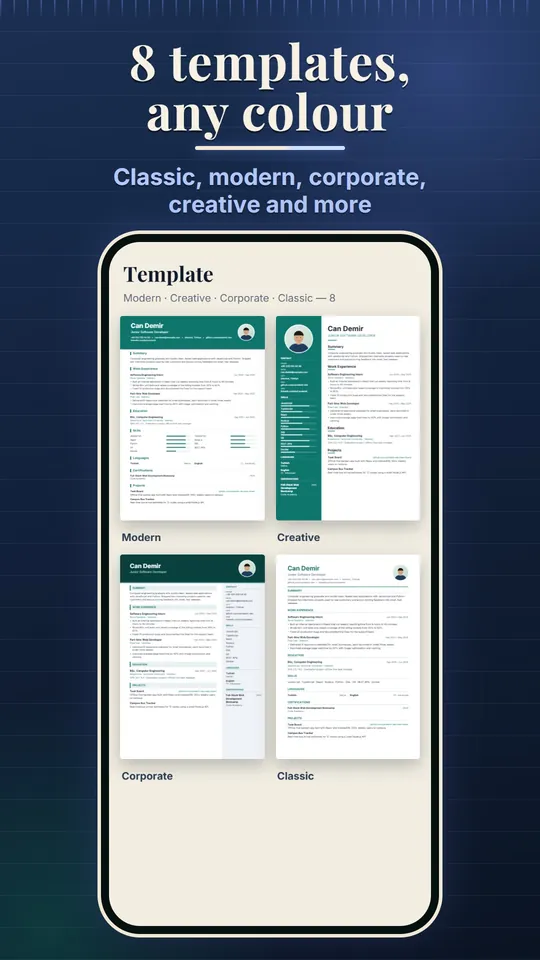
- Classic, Modern, Minimal, Corporate, Creative, Academic, Technical and Compact templates, 8 accent colours and 4 typeface pairs.
- Drag sections to reorder them, hide what you do not need, and crop an optional photo to a circle or square.
PDF WITH REAL TEXT
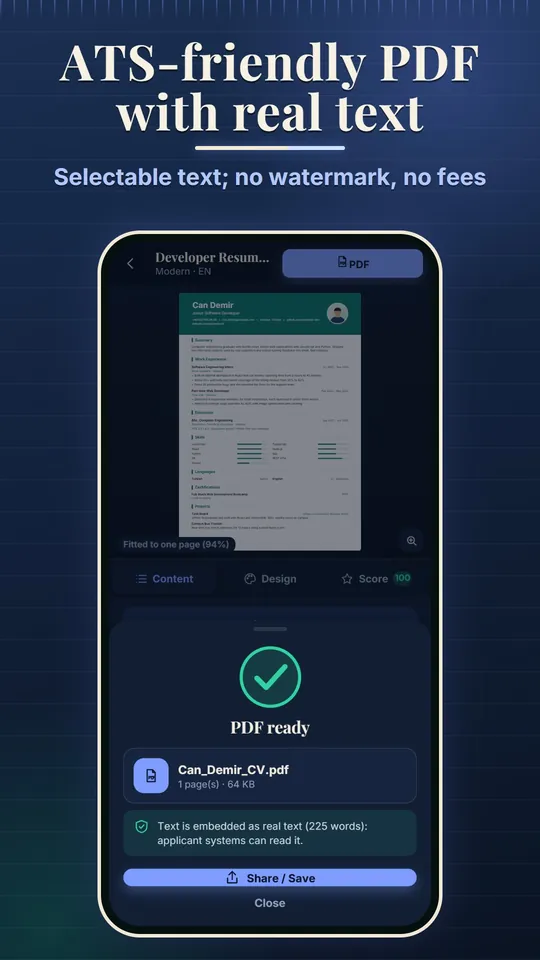
- The PDF carries real text, not a picture: select, copy and search it, with Turkish and other accented characters intact.
- The file is named like Jane_Smith_CV.pdf; share or save it, or save the resume as an image (PNG) for chat apps.
- Email and web links in the header are clickable.
PHRASE BANK AND RESUME SCORE
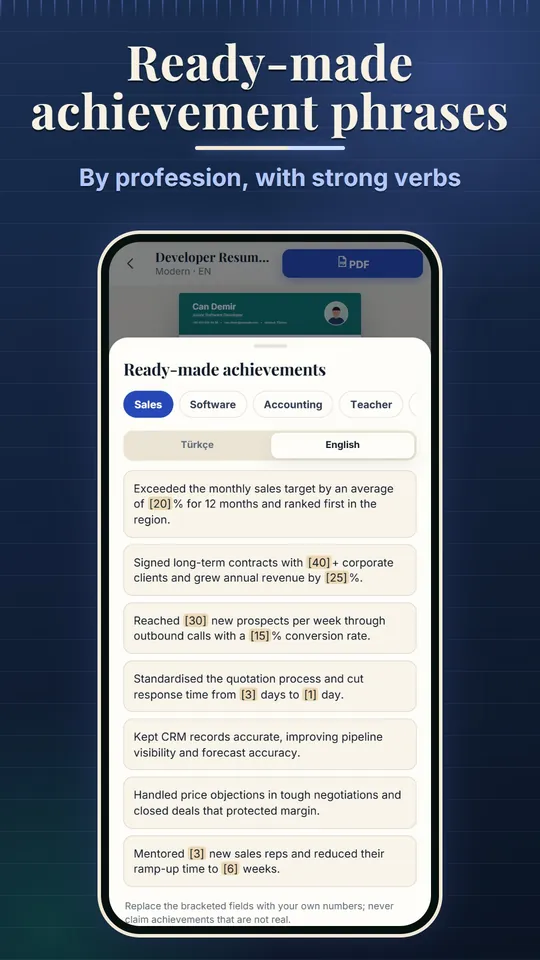
- Ready-made achievement sentences and sample summaries for sales, software, accounting, teaching, nursing, waiting tables, driving and students.
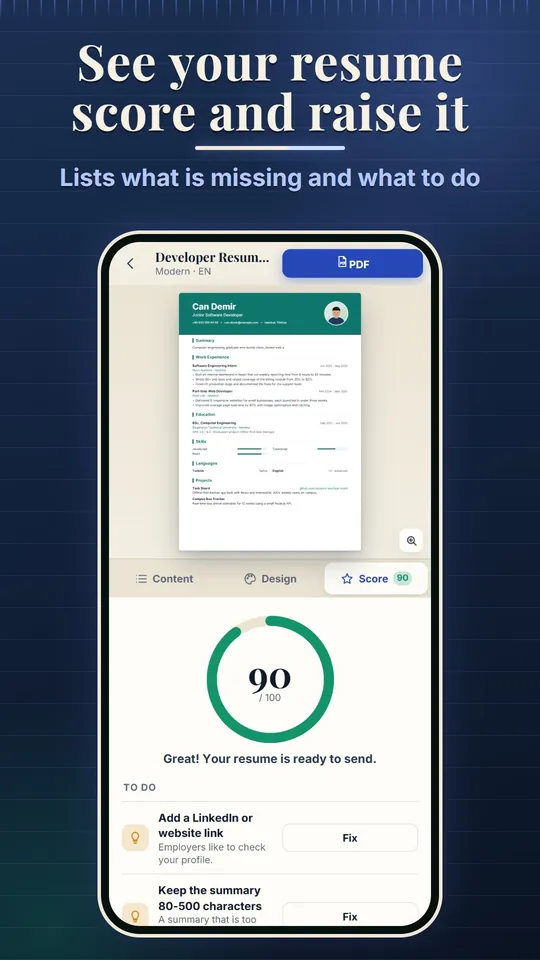
- A 0-100 score with a to-do list: missing sections, a weak summary, achievements without numbers, an invalid email, too many pages.
- Short tips in every section.
COVER LETTER AND APPLICATIONS
- Enter the company and position and get a draft in a formal, short or career-change tone; edit it and save it as a PDF in your resume design.
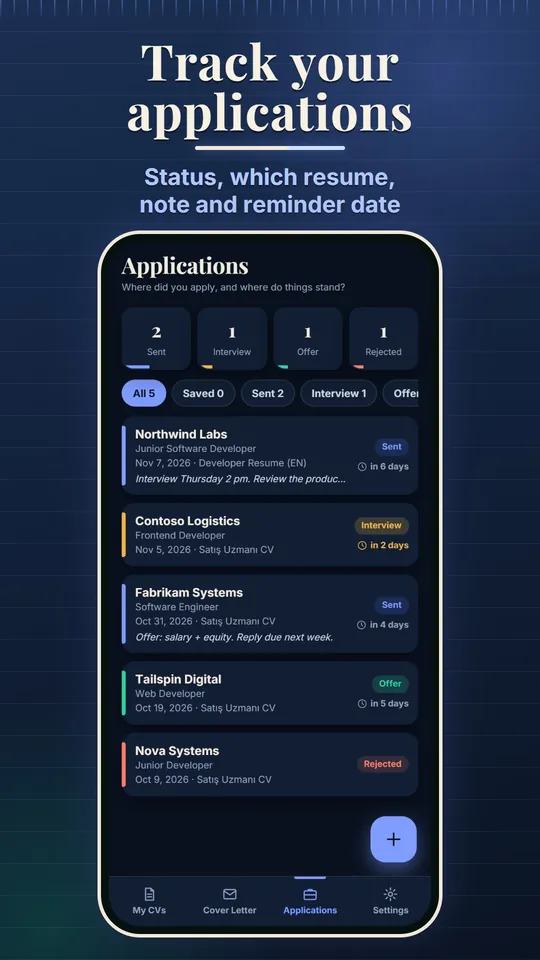
- Track each application: company, position, date, status (Sent, Interview, Offer, Rejected), which resume you sent, a note and a reminder date.
- Share the list as a table file (CSV).
Why Resume Builder?
A resume holds personal details, so it stays with you: no account, no ads, no purchases.
MULTIPLE RESUMES
- Copy a resume for each position and edit it.
- Make English and Turkish versions: section headings and dates follow the resume language.
EASY TO FILL IN
- Personal details, summary, experience, education, skills, languages (A1-C2), certifications, projects, references, interests, licence and military status, plus a custom section.
- References can stay "available upon request".
SAFE AND SIMPLE
- Every change is saved on your device at once; a deleted item can be brought back with Undo.
- Light and dark themes, Turkish and English interface.
TRY IT WITH SAMPLE DATA
- "Try with sample data" adds two filled resumes, a cover letter and some applications.
- Remove them in Settings with one tap.
Backup without an account
A daily automatic copy is kept on your device (the last 14 days). Share a one-file backup whenever you like and restore it on a new phone. Your data stays on your device only; if your phone is lost it cannot be recovered without your backup file.
Free app
Resume Builder is free and contains no ads or in-app purchases. The interface is in Turkish and English. The app helps you write and format your resume; it does not promise any job or interview result.
Screenshots
Live editing, templates, the finished PDF, the resume score, the phrase bank, a cover letter and the application tracker.
Build your resume on your phone!
Resume Builder is free. Download it, fill in your details and save your first PDF.